




According to statistics, 68% of sales organizations are now using AI in some capacity. This is because AI vendors promise autonomous sales and fully automated marketing engines. Salesforce is no exception. With Einstein AI and AI Cloud, Salesforce positions itself as the future of AI powered CRM.
However, most organizations struggle to move beyond demos and dashboards. They invest in AI features but don’t see measurable revenue growth or customer satisfaction improvements.
In this guide, we will discuss practical and real world Salesforce AI use cases that teams actually use. Whether you are in sales or customer success, Salesforce AI can deliver tangible results.
What is Salesforce AI Actually?
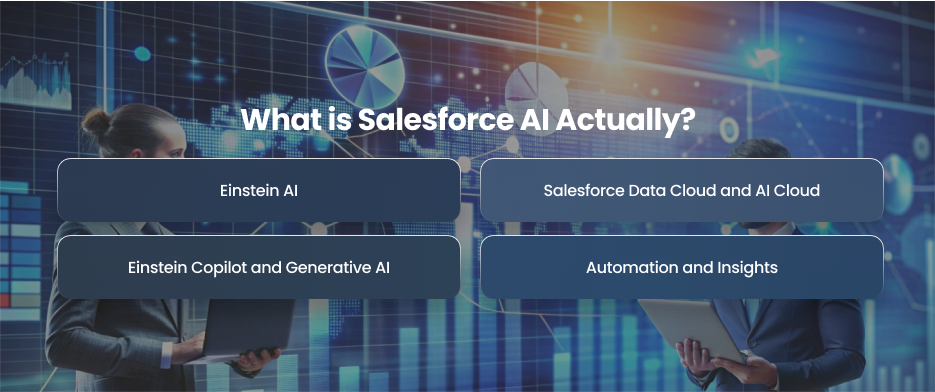
Einstein AI
Einstein AI is Salesforce’s built in machine learning and analytics layer. It also uses historical CRM data to identify patterns and recommend strategies.
Features like lead scoring and tailored marketing suggestions are enabled by Einstein AI. For example, using past sales data, it may predict which prospects are most likely to convert.
Unlike traditional rule based automation, Einstein AI continuously learn from new data. This means predictions become more accurate over time as the system ingests more interactions and behavioral signals.
Salesforce Data Cloud and AI Cloud
Salesforce Data Cloud plays a critical role in AI effectiveness. AI models are only as good as the data they analyze, and Data Cloud unifies data from multiple sources into a single customer profile.
AI Cloud builds on this unified data layer by enabling advanced AI use cases. This includes generative AI and predictive models. It connects data and AI capabilities into a cohesive system that supports enterprise scale intelligence.
With Data Cloud and AI Cloud, businesses can:
- Create real time customer profiles
- Trigger AI driven actions across channels
- Power personalization at scale
- Ensure AI insights are based on complete and accurate data
Einstein Copilot and Generative AI
Einstein Copilot represents Salesforce’s move into generative AI. Unlike predictive AI, which analyzes data and forecasts outcomes, generative AI creates content and recommendations dynamically.
Einstein Copilot acts as an AI assistant for sales reps and support agents. It can draft emails and suggest next best actions directly inside Salesforce workflows.
For instance, a support worker might ask for a summary of a customer’s history prior to handling a problem, or a sales representative can ask Copilot to write a follow up email following a conversation. It may be used by marketers to create audience insights or campaign material.
Automation and Insights
It’s crucial to make clear that Salesforce AI is not a completely independent system that takes the role of teams. Instead, it provides several essential capabilities:
- Automation
- Predictions
- Insights
Without adding more employees, these capabilities enable businesses to expand operations and improve client experiences.
Practical AI Use Cases for Different Teams
Sales
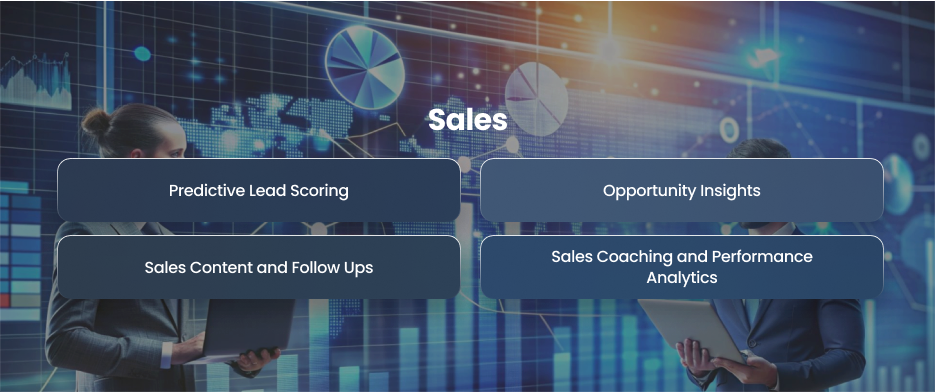
Predictive Lead Scoring
In order to give each lead a probability score, Einstein Lead Scoring examines past conversion statistics and engagement patterns. Sales representatives may now give top priority to prospects with the greatest potential. Conversion rates rise as a result of less effort being spent. Representatives may increase pipeline efficiency and reduce sales cycles by concentrating on high intent prospects.
Opportunity Insights
Einstein Opportunity Insights evaluates pipeline data to predict deal success and highlight potential risks, such as stalled opportunities or missing decision makers. Sales managers can make data driven forecasts and proactively address at risk deals. This predictive capability allows organizations to replace guesswork with accurate intelligence. This results in more reliable revenue projections.
Sales Content and Follow Ups
Einstein Copilot creates customized emails and meeting recaps using generative AI. Reps can modify these documents instead of beginning from scratch. This reduces administrative workload and ensures consistent messaging. The ability to quickly generate context aware content allows sales teams to respond faster and maintain high quality communication.
Sales Coaching and Performance Analytics
AI can find trends in top performing representatives by analyzing CRM data and past performance. Managers may use the actionable information they acquire about successful behaviors for coaching and standardizing best practices. Thus, Salesforce AI contributes to the development of a culture where sales performance is continuously improved.
Marketing
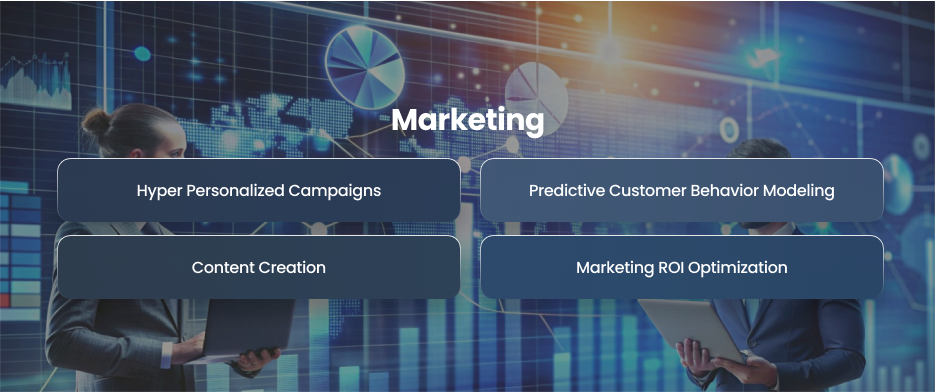
Hyper Personalized Campaigns
AI segments audiences dynamically by analyzing consumer behavior and preferences. Then, personalized material may be distributed across various channels of engagement. This guarantees that clients receive messaging customized to meet their specific needs and boosts engagement.
Predictive Customer Behavior Modeling
Einstein AI predicts customer turnover and assesses life time value. Marketers may spend resources where they will have the greatest impact and proactively create retention tactics. Marketing teams may take action before issues develop thanks to predictive insights.
Content Creation
Generative AI can produce email subject lines and campaign briefs. While human control ensures brand voice and messaging correctness, AI greatly reduces the time required to produce content. Marketing companies may expand their campaigns and maintain high-quality outcomes without hiring extra team members.
Marketing ROI Optimization
Salesforce AI analyzes campaign efficacy and attribution data to optimize marketing spending. AI offers recommendations for budget modifications depending on which channels deliver the highest effects. This enables marketers to optimize campaign ROI and make smart resource investments.
Customer Success
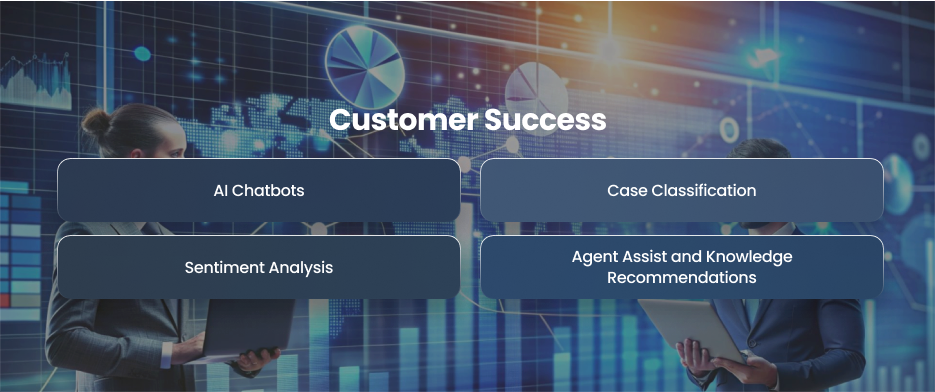
AI Chatbots
Einstein Bots handle common customer queries and provide instant answers. This reduces ticket volume and support costs. Virtual agents operate continuously. This guarantees that clients receive prompt replies even after office hours. Customer success teams may concentrate on complicated instances that require human engagement thanks to this technology.
Case Classification
AI automatically classifies and ranks support requests before assigning them to the best capable agent based on experience and workload. As a result, response times are reduced, and bottlenecks are prevented. This ultimately enhances operational efficiency.
Sentiment Analysis
Salesforce AI can identify sentiments by analyzing social media interactions and customer correspondence. Proactive outreach is triggered by negative indications, enabling customer success teams to step in before discontent gets worse. This early response enhances customer happiness and lowers attrition.
Agent Assist and Knowledge Recommendations
During live support interactions, AI recommends relevant knowledge articles and next best actions. Agents are able to onboard new team members and settle situations more swiftly. A better customer experience is guaranteed by the mix of AI support and human knowledge.
Misconceptions About Salesforce AI
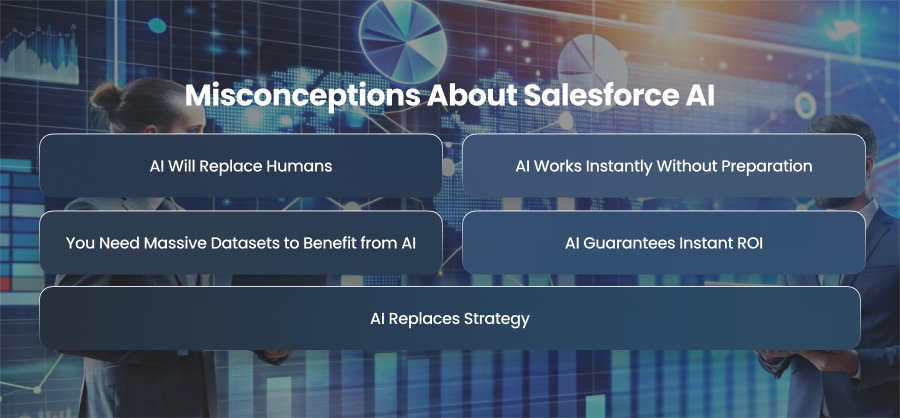
AI Will Replace Humans
The assumption that AI will entirely replace customer care staff is one of the most popular myths. Salesforce AI can create content and automate boring procedures, but it cannot replace human intuition or complex problem solving. For example, a chatbot may answer common customer questions, but without human supervision, it cannot handle sensitive discussions or complicated service issues. The true goal of Salesforce AI is to increase employee productivity. This makes teams more productive rather than replacing them entirely.
AI Works Instantly Without Preparation
Another widespread misunderstanding is that putting Salesforce AI into practice is as easy as flipping a switch. In order to provide value, AI actually has to be set up carefully and strategically. Workflow automation and predictive models both depend on high-quality data. Organizations that seek to deploy AI without investing in data purification and integrations generally face poor performance and incorrect suggestions.
You Need Massive Datasets to Benefit from AI
Some businesses assume that Salesforce AI is only useful for enterprises with millions of record. While it’s true that more data can improve predictive accuracy, even small and mid sized businesses can benefit from AI features. For example, Einstein Lead Scoring and predictive opportunity insights can provide actionable recommendations based on modest datasets. This allows smaller teams to prioritize leads and automate routine tasks without needing enterprise scale data volumes.
AI Guarantees Instant ROI
Salesforce AI is not a magic button that delivers immediate results. ROI depends on adoption and business process alignment. For example, a business may allow AI lead scoring, but the solution won’t provide quantifiable results if sales representatives don’t believe or apply the suggestions. Organizations must track important KPIs and modify AI processes over time to obtain substantial ROI. AI’s value grows progressively as teams learn to utilize insights effectively.
AI Replaces Strategy
There is a misconception that Salesforce AI can replace business strategy or human judgement. AI is quite good at seeing trends and making suggestions. It is unable to make strategic choices or create objectives, nevertheless. Therefore, teams must integrate AI insights with human skills to make educated judgments. For instance, sales executives still need to specify area assignments even when AI may recommend which leads are most likely to convert.
Best Practices for Getting Real Value from Salesforce AI
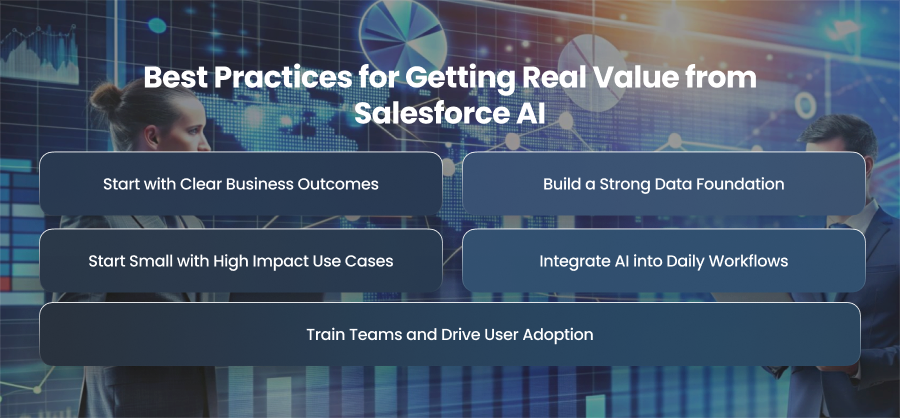
Start with Clear Business Outcomes
The most important best practice is to define what success looks like before enabling AI features.
This might entail raising lead conversion rates or enhancing forecast accuracy for sales teams. In terms of marketing, it might be raising campaign ROI or lowering attrition. It may entail lowering support expenses or enhancing first contact resolution for customer success. By evaluating AI projects against measurable results, teams can prioritize the most important use cases and avoid using AI for the sake of innovation.
Build a Strong Data Foundation
AI is only as good as the data it analyzes. One of the main obstacles to the successful implementation of Salesforce AI is poor data quality. Duplicate records and siloed systems can significantly reduce the accuracy of predictions and recommendations.
Businesses should spend money on governance structures and data cleaning. Salesforce Data Cloud can offer a unified customer view by integrating external data sources, allowing for more precise forecasting and customization. AI models are guaranteed to operate on accurate data by establishing data ownership and conducting regular audits.
Start Small with High Impact Use Cases
Instead of rolling out AI throughout the entire business at once, effective firms start with tailored pilots. Use cases with high impact and low complexity are, therefore the best places to start.
Before scaling, pilots enable teams to verify AI accuracy and improve workflows. This approach reduces risk and creates quick wins that encourage broader adoption across teams.
Integrate AI into Daily Workflows
AI delivers value only when it’s embedded into the tools and processes teams use every day. Insights hidden in dashboards or reports rarely drive action. Instead, AI recommendations should appear directly in Salesforce workflows, such as within lead records or marketing automation journeys.
For example, sales reps should see AI lead scores and next best actions directly in their pipeline views. Support agents should receive AI solutions during live interactions. Marketers should see predictive audience segments in campaign builders.
Train Teams and Drive User Adoption
Teams don’t trust or comprehend AI recommendations, which is why many AI initiatives fail. To boost user adoption, thorough training programs are crucial.
Sales reps and support people should be taught on how AI works and how to apply suggestions in daily chores. To promote the usage of AI, managers should employ coaching and performance metrics. When teams see AI as a productivity tool rather than a threat, adoption increases significantly.
Final Words
Salesforce AI has a lot to offer when applied properly. By incorporating insights into daily processes, establishing a strong data foundation, and aligning AI with business goals, organizations can boost revenue and customer satisfaction. Practical implementation and high user engagement are key components of sustainable AI success.