



More than 5000 websites are currently employing MongoDB, according to BuiltWith. This is because companies are forced to reevaluate how they manage and store the enormous volumes of data produced by modern applications. Although they are still useful, traditional relational databases frequently have trouble managing distributed infrastructures and unstructured material. This is where MongoDB can be useful.
MongoDB is a preferred option for companies looking to update their systems because of its document based architecture and horizontal scaling capabilities. But switching to MongoDB is a process that takes time. A successful move requires a clear strategy.
In this guide, we will discuss the right time to migrate to building a proper strategy and selecting the appropriate tools.
When Should You Migrate to MongoDB?
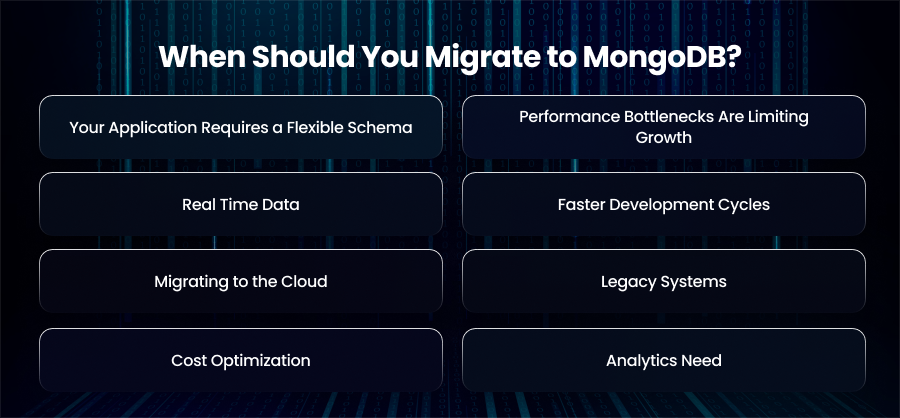
Your Application Requires a Flexible Schema
Relational databases enforce a rigid schema. If your application frequently needs new fields or different data types, you should update the schema in a traditional SQL database can be slow and error prone. MongoDB’s document oriented model allows you to store complex and evolving data structures naturally, without the need to modify the schema every time your application requirements change.
For example, an eCommerce platform adding new product attributes or variants regularly can store each product in a single document. This eliminates the need for multiple tables or joins.
Performance Bottlenecks Are Limiting Growth
Relational databases require hardware upgrades as traffic increases because they scale vertically. Vertical scaling is more expensive and has fewer options. With sharding, MongoDB provides horizontal scaling by distributing data among several nodes. Because of this, programs can efficiently handle big datasets and increases in traffic without any downtime.
To spread the burden over several servers, a social media service that is seeing rapid user growth, for example, might shard data by user ID.
Real Time Data
Real time analytics and rapid data collection are necessary for some applications. MongoDB’s low latency and fast throughput make it ideal for these kinds of applications. It is perfect for recommendation engines since it can handle both unstructured and semi structured material.
For instance, MongoDB may be used by a logistics business that tracks hundreds of shipments every minute to store real time location data and provide operational teams with real time insights.
Faster Development Cycles
In modern software development, time to market can be a major differentiator. Development is slowed down by rigid relational schemas since each modification frequently necessitates executing migrations and changing several tables. MongoDB greatly simplifies backend updates by enabling developers to work with JSON like documents that reflect the application objects they are creating.
A company creating a feature rich mobile application, for example, may quickly iterate by adding new data characteristics to enable new features without requiring complicated database migrations or downtime.
Migrating to the Cloud
MongoDB Atlas is very beneficial to organizations who are embracing cloud native techniques or transitioning to the cloud. Atlas offers security features and automated backups. Reducing operational costs and ensuring your database is ready for contemporary deployment situations are two benefits of moving to MongoDB in the cloud.
By deploying MongoDB Atlas clusters across many regions, for instance, a SaaS business moving to AWS may guarantee high availability and resilience while lessening the workload for internal IT workers.
Legacy Systems
If integrating with contemporary apps is restricted by your outdated relational database, switching to MongoDB can eliminate those limitations. Microservices and serverless architecture are examples of contemporary software paradigms that MongoDB’s scalability and flexibility enable.
For instance, MongoDB’s document model can help a healthcare application that is having trouble reporting on unstructured patient data by storing medical records in an adaptable and queryable manner.
Cost Optimization
Expensive hardware is frequently needed to run relational databases at scale, particularly for high availability and vertical scaling configurations. Because MongoDB can grow horizontally on cloud infrastructure or commodity servers, expenses may be reduced without sacrificing performance. Additionally, compared to intricate normalized relational tables, its flexible structure minimizes storage overhead.
Analytics Need
Semi-structured datasets must frequently be stored for applications that depend on analytics or data aggregation. Large dataset processing and complicated query handling are made simpler by MongoDB’s versatile storage and aggregation technology.
How to Design the Right Migration Strategy?
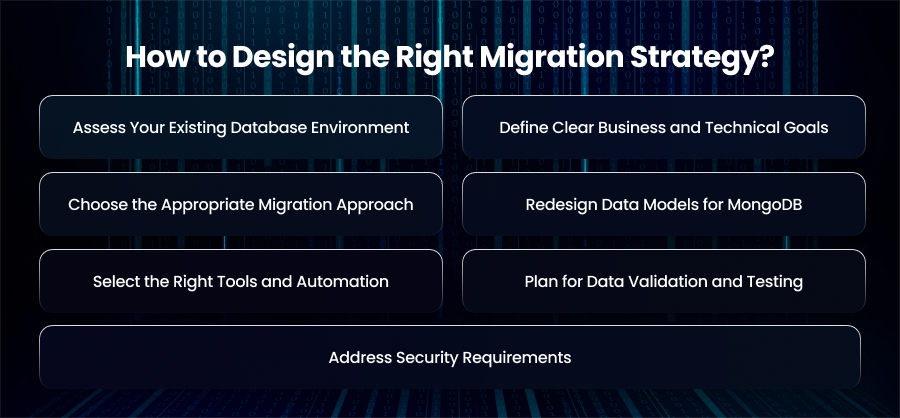
Assess Your Existing Database Environment
Your first step should be a thorough review of your current database system. Analyze data volume, query frequency, and performance issues. Identify the data that can be archived instead of moved if it is outdated or utilized. This evaluation makes it clear what can be removed and what has to be moved. Long term maintenance and migration difficulty are decreased as a result.
Define Clear Business and Technical Goals
A MongoDB migration should align with measurable business and technical objectives. These might include lowering infrastructure expenses or enhancing application performance. Furthermore, well defined objectives serve as success criteria and direct important choices at every stage of the conversion process, from tool selection to schema design.
Choose the Appropriate Migration Approach
When selecting the optimal migration approach, system complexity and downtime tolerance are important considerations. Although offline migrations need scheduled downtime, they are easier to manage all data at once. Live migration keep systems running while data syncs continuously. This minimizes disruption but increases complexity. In some cases, a phased migration offers the safest path with minimal risk.
Redesign Data Models for MongoDB
Instead of copying relational schemas, redesign your data model to match MongoDBs dcoument based architecture. Also, focus on how the application reads and writes data, embedding related information where possible to reduce query overhead. This redesign step is critical for achiveing performance improvements and avoiding the inefficiencies caused by applying relational design patterns to a NoSQL database.
Select the Right Tools and Automation
The tools and procedures that will be employed should be specified in detail in your migration plan. Depending on the amount of data, either native MongoDB utilities or third party ETL solutions may be needed. Automating repetitive processes promotes consistency across contexts.
Plan for Data Validation and Testing
Validation ensures the accuracy and completeness of of migrated data. You should establish checks for record counts and schema consistency. In parallel, test application workflows and system behavior under load. Therefore, running these validations in staging environments before production deployment prevents unexpected issues.
Address Security Requirements
Strengthening security procedures is best done during migration. When transferring and storing data, make sure it is secured, and set up audits as needed. To reduce post migration risks, include compliance inspections in the migration process if your company is subject to regulatory frameworks.
Schema Design Best Practices for MongoDB
Design the Schema Around Application Access Patterns
Instead of modeling how data is normalized, MongoDB schemas should be based on how the application reads and writes data. Determine which searches and update patterns are most often used, then organize documents to effectively support those actions. When data is stored in a way that aligns with application workflows. This makes queries faster and easier to maintain.
Prefer Embedding Over Referencing
Read speed is enhanced, and fewer queries are required when relevant data is integrated into a single document. When linked data is regularly retrieved together and doesn’t increase infinitely, this method performs well. For example, storing user preferences or order items within a parent document simplifies data retrieval and improves efficiency.
Use References for Frequently Changing Data
Although strong, embedding isn’t always the best option. When working with enormous datasets or information that is constantly changing, referencing is more appropriate. Referenced collections help prevent document size issues and allow independent updates without rewriting entire documents.
Avoid Document Bloat
Large documents can have a detrimental effect on performance since MongoDB documents have a size limit. Large arrays of data that expand endlessly, such as logs or historical records, should not be embedded. In these situations, dividing data into related collections guarantees scalability and keeps performance from deteriorating over time.
Use Indexes Strategically
Indexes are essential for fast queries, but they must be used carefully. Make indexes on fields that are commonly used for reference-based filtering or sorting. Avoid building needless indexes as they slow down write operations and use more storage. As a result, you should keep a close eye on query performance in order to modify indexing algorithms in response to shifting usage patterns.
Plan for Schema Changes
The ability of MongoDB to change schemas without interruption is one of its advantages. Changes should still be handled cautiously, though. Use versioning within documents when introducing major structural changes, and ensure backward compatibility for applications accessing older records. Furthermore, controlled schema evolution prevents data inconsistencies as the system grows.
Choose Data Types Carefully
Performance is enhanced and storage overhead is decreased by choosing the appropriate data types. Make proper use of native MongoDB types like Decimal128 and ObjectId. Consistent data typing across documents simplifies querying and indexing, especially when handling large datasets.
Optimize for Analytics
Create schemas that enable MongoDB’s aggregation architecture if your application depends on reporting or analytics. Query speed can be greatly enhanced by pre aggregating frequently used variables or organizing data to reduce complicated transformations.
Design with Sharding in Mind
If horizontal scaling is part of your plan, sharding should influence schema design from the start. Choose shard keys that divide the workload and data among nodes equally. Shard keys that result in hotspots or unequal distribution should be avoided as they might restrict scalability and impair performance under high load.
Essential MongoDB Migration Tools
MongoDB Native Migration Tools
MongoDB’s built in tools are reliable and tightly integrated with the database ecosystem. They often the first choice for straightforward migrations or environments already using MongoDB.
Structured data formats like JSON and TSV may be handled with the help of mongodump and monogrestore. When transferring data from spreadsheets or older systems that need to be preprocessed before being imported into MongoDB, these technologies are frequently utilized.
Databases from on premises or cloud hosted systems may be moved to MongoDB Atlas with almost no downtime thanks to MongoDB Atlas Live Migration. It is appropriate for production systems that cannot afford prolonged outages since it continually synchronizes data while the source database is still operating.
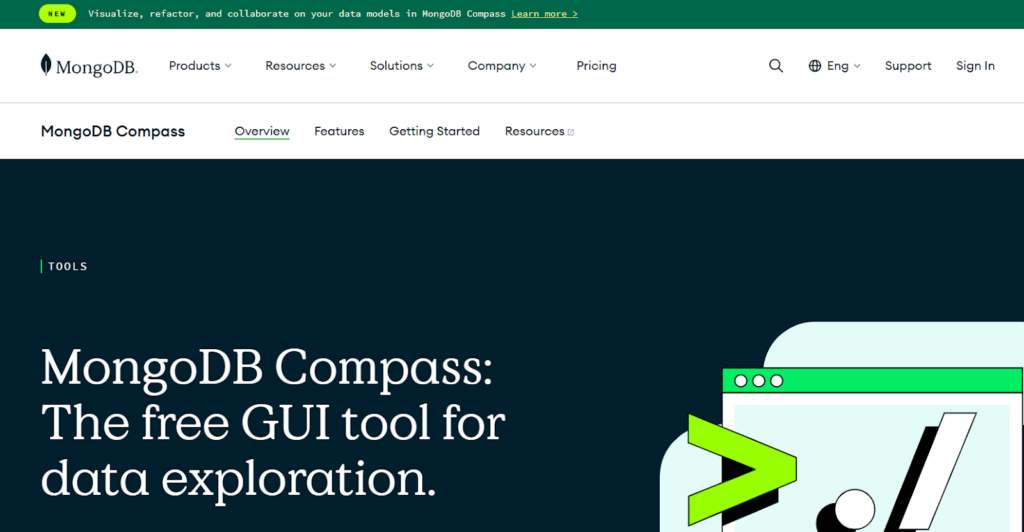
MongoDB Compass provides a graphical interface to explore data and inspect collections after migration. It helps teams visually verify data accuracy and quickly troubleshoot structural issues during and after the migration process.
Atlas Data Federation allows organizations to query data across multiple sources, including MongoDB clusters and cloud storage. During migration, it can be used to unify data access or validate datasets before consolidating them into a single MongoDB environment.
ETL Migration Tools
AWS Database Migration Service supports continuous data replication from relational databases to MongoDB compatible targets. It is widely used for live migrations with minimal downtime and works well in cloud native environments.
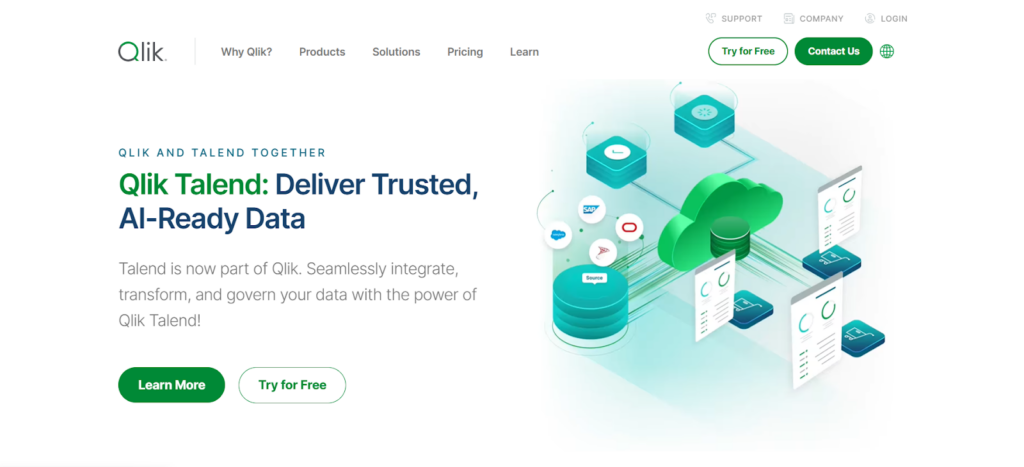
Talend offers powerful ETL capabilities and load data with extensive customization. It is well suited for enterprises that require complex data cleansing and transformation workflows.
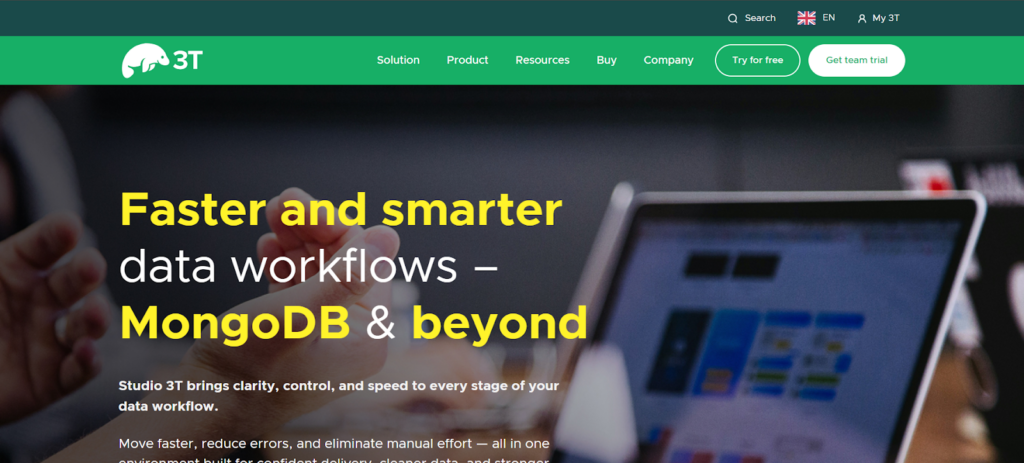
Studio 3T simplifies SQL to MongoDB migrations by offering schema mapping tools and visual query builders. It’s particuarly useful for teams transitioning from relational databases and learning MongoDB concepts.
Final Words
Making the change to MongoDB is a creative way to increase scalability and performance. Success requires careful preparation and careful schema design. Therefore, enterprises may guarantee a seamless transition by adhering to best practices and confirming each stage.