



Kotlin is an open-source programming language that is modern and highly portable and has received massive appreciation from developers across the globe. When developing Android applications or any other applications including server-side applications or developing using cross platforms, Kotlin is suitable in this case due to aspects like the small amount of code required for implementation as well as consideration of other advanced features.
Here, the author is going to outline what Kotlin is, its main advantages, the most useful tools that can make the development process easier, as well as which cases are suitable for using Kotlin.
Kotlin – An Intro
Kotlin is a language created by JetBrains that is based on IntelliJ Idea. Actively endorsed by Google as a first-class language for Android since version 1.4 in 2017, Kotlin is fully compatible with JVM Java and holds a gradually growing popularity.
Just as its name implies, Kotlin is simple, safe to use, and highly productive, therefore fitting today’s app development.
Features of Kotlin
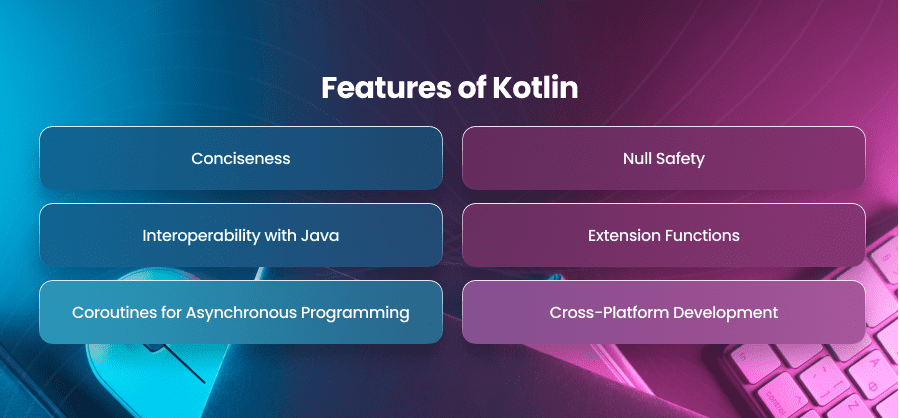
Conciseness
The best you get with Kotlin is it reduces boilerplate code which allows developers to write less and achieve more. Compared to Java, Kotlin’s syntax is streamlined, improving readability.
Null Safety
With built-in null safety, Kotlin eliminates the dreaded NullPointerException (NPE) by enforcing compile-time null checks.
Interoperability with Java
Kotlin can seamlessly integrate with Java, enabling Java developers to leverage existing Java libraries and frameworks.
Extension Functions
Developers can extend the functionality of existing classes without modifying their code.
Coroutines for Asynchronous Programming
Coroutines in Kotlin simplify writing asynchronous code, making it more readable and maintainable.
Cross-Platform Development
Using Kotlin’s Multiplatform, programmers can share code across platforms, such as Android, iOS, and the web.
Top Kotlin Development Tools for Efficient Programming
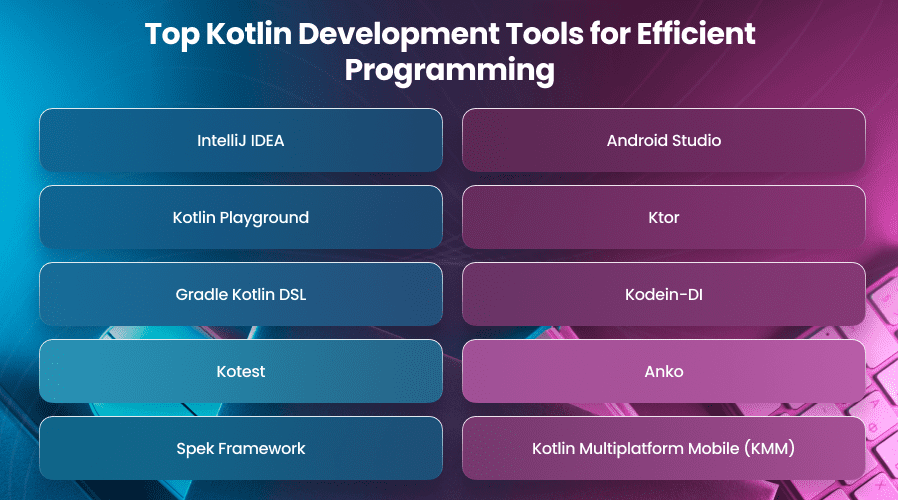
1. IntelliJ IDEA
IntelliJ IDEA is another popular IDE used for Kotlin development, and JetBrains developed it.
- Some of the key functions are intelligent code suggestions, code inspections in real time, debugger, and compatibility with Kotlin libraries.
- Perfect for Android development using Kotlin and server-side developments.
2. Android Studio
You must have an understanding of Android Studio which is the official IDE for Android app development.
- Android Studio comes with pre-build Kotlin’s support which is huge for Android developers.
- It has layout editors, APK analyzers, and profilers, which makes it a must-have tool for Android developers.
3. Kotlin Playground
Kotlin Playground is an online instrument created by JetBrains allowing you to write and test Kotlin code within the browser.
- Good for running small scripts or pieces of code that the user doesn’t really need to set up on a local machine.
4. Ktor
A lightweight web framework for creating asynchronous server-side applications developed by JetBrains.
- It is easy to use but at the same time, it supports routing, authentication, and serialization.
5. Gradle Kotlin DSL
The Kotlin-based DSL of Gradle enhances build scripts by making them more readable and maintainable than the Groovy-based scripts.
- Enables developers to use Kotlin type-safety for project configuration.
6. Kodein-DI
A Kotlin-based dependency injection framework that is simple and has a small API surface.
- Ideal for dealing with dependencies in complex projects.
7. Kotest
The best testing tools and practices for Kotlin applications.
- Some of the features include DSL-style test cases, property testing, and extensive assertion libraries.
8. Anko
A JetBrains library aimed to make Android development with Kotlin easier.
- Offers simple-to-use DSLs for UI construction and Asynchronous operations.
9. Spek Framework
A BDD tool kit specifically designed for the Kotlin programming language.
- Promotes well-formatted and easy-to-read test case documents.
10. Kotlin Multiplatform Mobile (KMM)
Enables code reuse when creating applications for both Android and iOS platforms, so you can reuse business logic code.
- Provides a convenient means of reaching several platforms without having to rewrite the code.
When to Use Kotlin
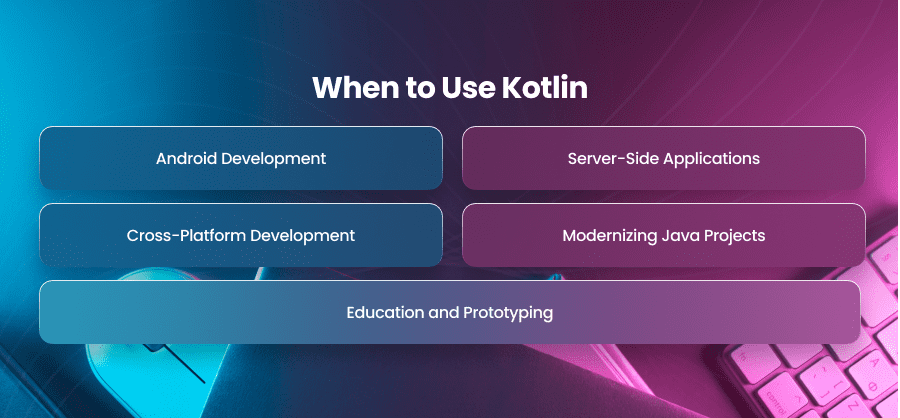
Kotlin is a very flexible language and it can be used in any application. Here are some scenarios where it shines:
Android Development
Kotlin’s official support from Google and rich features make it a natural choice for Android app development.
Server-Side Applications
With frameworks like Ktor, Kotlin is ideal for building scalable and efficient backends.
Cross-Platform Development
The Kotlin Multiplatform makes it possible for Kotlin developers to use the same code in various operating systems, making the process of developing applications quicker and cheaper.
Modernizing Java Projects
Kotlin’s interoperability enables incremental migration of existing Java codebases to a modern and concise syntax.
Education and Prototyping
Kotlin is easy to use and is well suited for learning and for creating quick initial application prototypes.
Conclusion
Kotlin has revolutionized the programming industry with the high features that it offers, how easy it is to use, and that it is fully compatible with Java. As this article explains, the tools are unique in the way they can boost Kotlin’s functionality while increasing the speed of development.
If you are an Android developer or backend engineer or if you are dealing with cross-platform applications, Kotlin can be really useful and efficient for your work.