



Over the next five years, the augmented reality market is predicted to reach $511.75 billion, according to Mordor Intelligence. This is a consequence of the broad use of augmented reality. Customers’ interactions with digital information are changing.
Furthermore, AR development has entered a new phase due to the quick advancements in sensors and AI. AR is becoming acknowledged by companies in a variety of sectors as a strategic investment. As a result, developers are creating AR apps that are more sophisticated than before.
In this guide, we will discuss the current state of AR development and all the tools powering modern AR apps. We will also discuss some of its use cases.
Augmented Reality Development
AR development effortlessly integrates digital content into the real world by combining modern hardware capabilities with potent software tools. LiDAR scanners and AI processing enable devices to provide precise spatial mapping and extremely responsive tracking.
Furthermore, developers are no longer limited to simple surface detection or marker based triggers. Modern AR apps understand environments the way humans do, identifying objects and reacting contextually. This shift is largely due to deep learning and computer vision. Also, cloud AR platforms play a critical role in AR development.
Hands-free wearables like Apple Vision Pro are becoming more and more important, even though smartphones are still the most popular AR devices. More realistic and engaging AR use cases are made possible by these gadgets. This is especially important in training, healthcare, and remote assistance.
What Are the Essential AR Development Tools?
AR SDKs and Frameworks
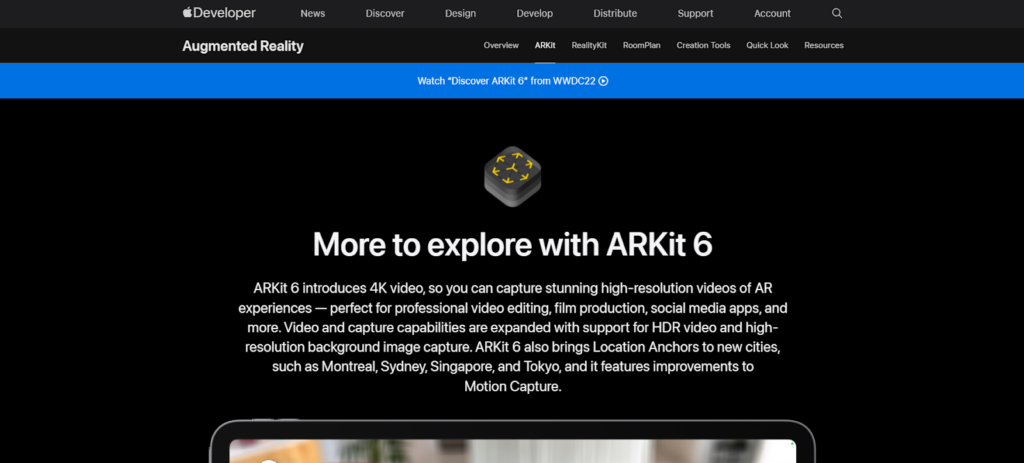
AR SDKs and frameworks form the backbone of every AR experience. These software kits provide the core capabilities needed to track environments, recognize surfaces, and attach digital objects to real world surroundings. Tools like ARKit and Niantic Lightship offer developers ready made modules for tasks that would otherwise take years to build from scratch.
For example, ARKit utilizes Apple’s powerful camera system and LiDAR sensors to deliver highly accurate spatial mapping on iPhones and VisionOS devices. ARCore brings similar capabilities to Android devices, with depth APIs and motion tracking that help virtual objects stay anchored in place.
Meanwhile, Lightship enables world scale AR experiences, allowing developers to build shared multiplayer environments. These SDKs reduce complexity and empower developers to build highly stable and realistic AR applications.
Game Engines for AR
Game engines bring movement and interaction to AR applications. Due to its cross platform deployment and sophisticated rendering capabilities, Unity and Unreal Engine are the two main engines utilized in the AR industry. Furthermore, Unity remains the platform of choice for most AR projects due to its large community and AR Foundation toolkit, which unifies ARKit process under a single development environment. This makes it easier to create perfect applications.
On the other hand, Unreal Engine is well known for its robust rendering methods. For augmented reality applications that need high quality simulations, this makes it ideal. By offering reusable parts and pre made templates that let developers concentrate on their ideas, both engines greatly accelerate the production process.
AR Cloud Platforms
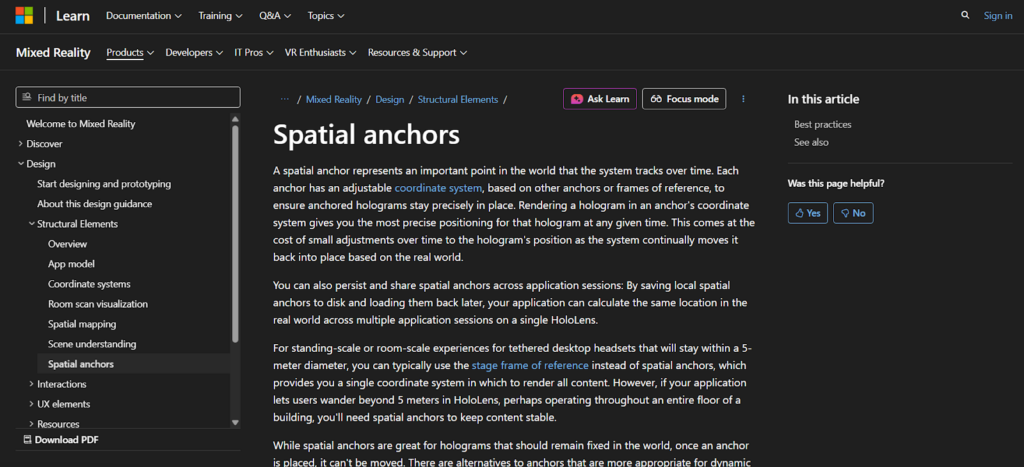
As AR evolves into multi user and persistent reality applications, AR cloud platforms have become essential. These technologies allow digital items to stay in place even after the app is closed and store 3D maps of actual settings. Developers can construct shared augmented reality experiences with tools like Azure Spatial Anchors. For instance, Lightship can attach interactive game pieces, while Azure Spatial Anchors allows users to post digital messages in physical areas that others can access at any time.
These cloud systems handle complex tasks like environment scanning and spatial anchoring. Without AR cloud platforms, world scale AR applications would be nearly impossible to build. They turn AR from a single user novelty into a shared digital layer that can exist over the real world.
3D Modeling and Design Tools
Great augmented reality experiences are built on strong graphics, which necessitate excellent 3D models and animations. Using tools like Blender, developers often work together to create or source digital items. Blender’s open nature and capacity to produce complex sceneries and character models further contribute to its popularity.
Additionally, professional companies continue to use Maya because of its advanced animation features, especially for realistic character movements. Apple’s Reality Composer Pro allows developers to create AR ready scenes specifically optimized for VisionOS.
AI and Machine Learning Tools
AI is now deeply integrated into modern AR development. This enables apps to understand environments with greater accuracy and context. Tools like TensorFlow Lite and PyTorch Mobile help developers and object detection and facial tracking for AR applications. MediaPipe can track hand movements in real time. As a result, people can engage with virtual things in a natural way.
AI models can also analyze depth data and predict object movements, making AR interactions smoother and more realistic. By executing machine learning models directly on smartphones and AR glasses, Apple’s and Google’s device level AI frameworks substantially improve performance.
Therefore, developers may create apps that react intelligently to user actions and changes in the actual environment by fusing AI and AR, transforming AR from merely visual overlays into fully interactive.
Top AR Use Cases
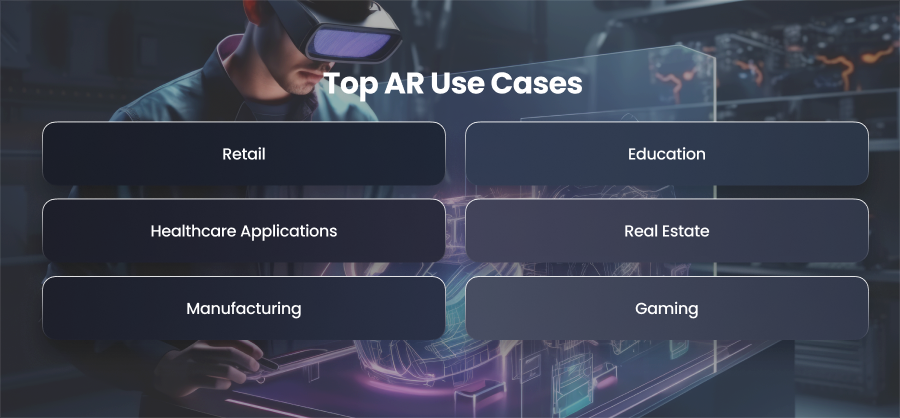
Retail
Retailers have embraced augmented reality as a potent instrument to enhance consumer interaction and lower transactional friction. Customers may see how clothing and accessories will fit them without physically visiting a store thanks to virtual try on features. Customers may try makeup hues instantaneously thanks to AR powered facial tracking from beauty brands. This greatly lowers return rates while also increasing client confidence. AR has a similar effect in real stores, as digital signage and interactive product displays make traditional shopping more engaging and educational.
Education
By transforming abstract ideas into three dimensional representations that students can see from any angle, augmented reality has completely changed education. Schools use augmented reality to teach chemical structures and engineering principles through immersive representations that simplify topics. In industries like manufacturing, augmented reality is becoming essential for staff training outside of the classroom.
Instead of learning solely from manuals or movies, trainees interact with realistic simulations that mimic real world environments.Without the dangers or expenses of actual equipment, these augmented reality modules offer practical experience. In order to facilitate the onboarding of new employees, businesses also use augmented reality to display visual instructions directly on workstations or equipment.
Healthcare Applications
One of AR’s most revolutionary effects is being felt in the healthcare industry. AR overlays help surgeons see patient anatomy during procedures, increasing accuracy and lowering risks. Before going into the operating room, medical students are exposed to extremely detailed augmented reality simulations of organs and tissues.
AR also helps with diagnostic processes by helping doctors understand imaging reports more effectively. Physical treatment has become more pleasurable thanks to gamified augmented reality exercises that help patients track their progress.
AR is also being used by hospitals to teach their patients. This allows individuals to understand procedures or medical conditions through 3D animations rather than complex explanations.
Real Estate
In real estate and architecture, AR helps clients visualize properties long before they are built. Developers use AR apps to create interactive walkthroughs that allow buyers to explore apartments and commercial spaces at full scale. This makes decision making faster, especially for off plan projects.
By superimposing 3D models directly onto construction sites, architects use augmented reality to make design concepts easier to understand. Clients are able to see how a completed structure will look in its actual setting thanks to this.
Additionally, interior designers employ augmented reality to sample color schemes and decor options without really altering the space.
Manufacturing
AR is used by manufacturers to increase efficiency and streamline processes. When installing or repairing equipment, workers can receive step-by-step visual instructions right onto the apparatus. This reduces the need for printed manuals. This is especially important when operating complex machinery.
Using augmented reality, supervisors do quality inspections by superimposing digital indications that draw attention to flaws or anomalies. Without disassembling the equipment, personnel can use augmented reality to swiftly discover problems and inspect interior components.
By helping companies find issues before they become more critical, AR predictive maintenance lowers downtime and improves safety. In general, AR increases operational effectiveness and lowers costs throughout the whole production environment.
Gaming
One of the biggest and most inventive applications for augmented reality is still entertainment. Full scale mixed reality experiences that combine virtual characters and gameplay components with actual physical settings have grown in popularity as mobile augmented reality games. AR effects are used in concerts and live events to improve performances by providing viewers with dynamic, real time graphics.
In order to build interactive attractions without the need for intricate physical constructions, theme parks are also utilizing augmented reality.
How to Build an AR Application?
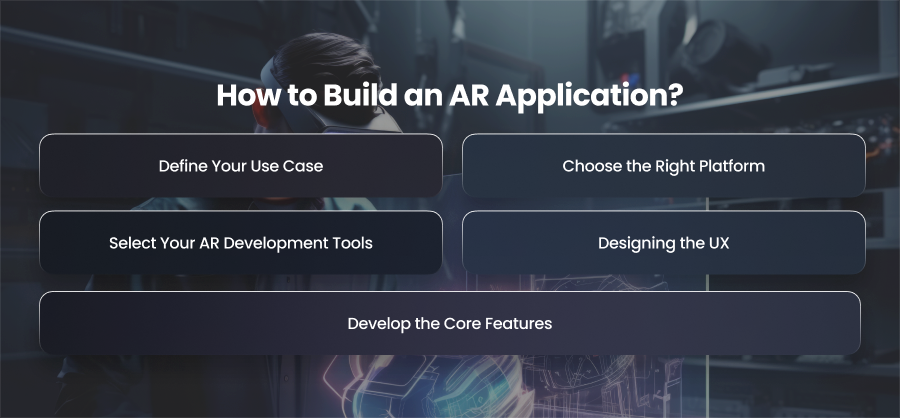
Define Your Use Case
A clear vision is the foundation of any successful augmented reality application. You must choose the problem your app will solve before you write a single line of code. Knowing your target market and the environment in which your app will be used can help you focus on the most important features. This step also helps you decide if your app needs marker based tracking. It is easier to create a practical solution if your use case is more specific.
Choose the Right Platform
Once you have a defined idea, the next step is selecting the platforms and hardware your app will support. AR applications can be built for mobile devices or specialized headsets designed for enterprise environments. Each platform offers different capabilities and user interactions. For example, if you want to reach the largest user base, mobile AR built using ARKit.
Select Your AR Development Tools
Now that your target devices have been identified, it’s time to select the appropriate development tools. An AR SDK and a game engine are used to create the majority of AR applications. ARCore and Vuforia offer powerful tracking and object placement capabilities. Pairing these frameworks with game engines like Unity allows you to handle interactions and 3D rendering more efficiently.
If your project involves location based features or multi user collaboration, you will likely need AR cloud platforms like Lightship. Additionally, design tools such as Maya help create the digital assets your AR experience relies on.
Designing the UX
Compared to regular apps, augmented reality design calls for a distinct methodology. You must carefully consider how customers will interact with and understand the digital aspects surrounding them since augmented reality combines digital content with the physical world. This is where spatial UX ideas are applied. You need to consider factors like visibility under various lighting conditions.
The user interface should be simple to use without blocking the user’s vision.
Digital items must stay organically attached, and buttons and labels must adjust to real world settings.
Develop the Core Features
The next phase is to develop your AR application’s fundamental functionality after completing the UX and interface design. This includes implementing environment tracking and interaction triggers. If your app supports multiple users in shared AR spaces, you will need networking features and cloud anchors to maintain consistent object placement.
For market based AR, this phase involves training the app to detect specific objects. Moreover, if your app includes face tracking or object detection, you may need to integrate machine learning models.
Final Words
Augmented reality is causing industries to change rapidly. Due to the increasing demand in the industry, companies that invest in augmented reality now will be able to compete. Developing augmented reality applications enables the creation of more captivating experiences.