




According to statistics, 70% of Fortune 500 companies now use Microsoft 365 Copilot. This is because these tools have become the extra pair of hands that developers didn’t know they needed.
What started as simple auto complete has grown into full fledged AI assistance woven into almost every part of the development process. AI copilots are quickly becoming typical tools in the contemporary development environment, regardless of whether you use GitHub Copilot or other technologies.
But there’s still one question:
Do AI copilots truly aid developers in their development, or do they make them unduly reliant?
We’ll go over how AI copilots increase developer productivity in this guide, as well as how best practices may prevent overreliance without sacrificing the advantages.
AI Copilots
AI copilots represent a new category of intelligent software assistants designed specifically to support developers at every stage of the development lifecycle. They sit inside your IDE or command line workflows. Moreover, they understand the context of what you are building and offering suggestions, documentation, test cases, and even architectural guidance. Unlike traditional auto complete tools, AI copilots don’t just predict the next line; they understand intent.
They utilize LLMs trained on billions of lines of code and technical documentation. This training enables them to recognize patterns and assist developers with tasks ranging from simple to highly complex. AI copilots may answer with organized, often optimized code, whether you ask them to create a function or develop a test suite.
Capabilities of AI Copilots
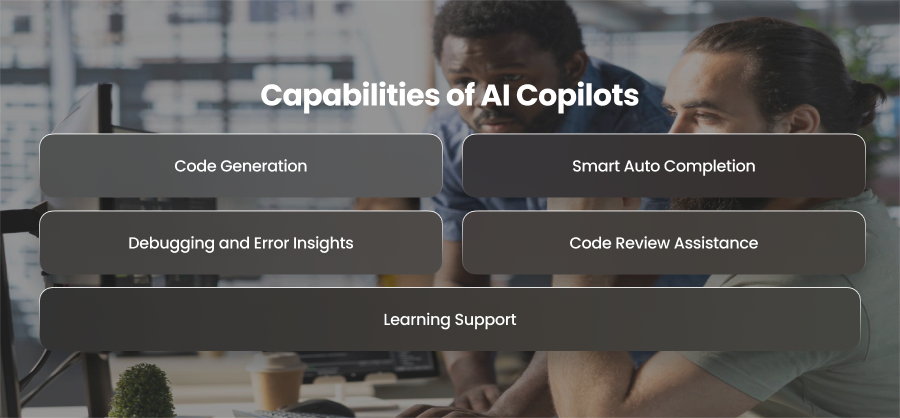
Code Generation
They can generate full functional code blocks or architectural skeletons. Just describe what you need in plain language, and the Copilot translates it into code.
Smart Auto Completion
Instead of offering random line suggestions, copilot provide context aware predictions that align with your existing logic and coding patterns.
Debugging and Error Insights
AI copilots can highlight problematic areas and even explain why an error might occur. This reduces manual troubleshooting time drastically.
Code Review Assistance
Some copilots act as an always available reviewer, spotting inefficiencies, suggesting optimizations, and highlighting potential improvements.
Learning Support
For developers exploring new languages or frameworks, copilots provide instant examples and explanations within the workspace.
Types of AI Copilots
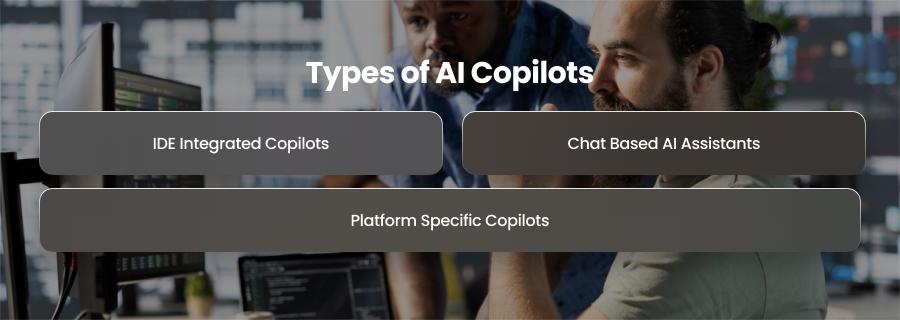
IDE Integrated Copilots
While developers create code by directly hooking into editors like VS Code or JetBrains, these technologies operate in real time.
Chat Based AI Assistants
Tools like ChatGPT or custom LLM assistants act as conversational copilots. These are ideal for brainstorming or architectural planning.
Platform Specific Copilots
Some coplilots specialize in particular stacks, providing domain focused support and best practices aligned with specific technologies.
How AI Copilots Improve Developer Productivity?
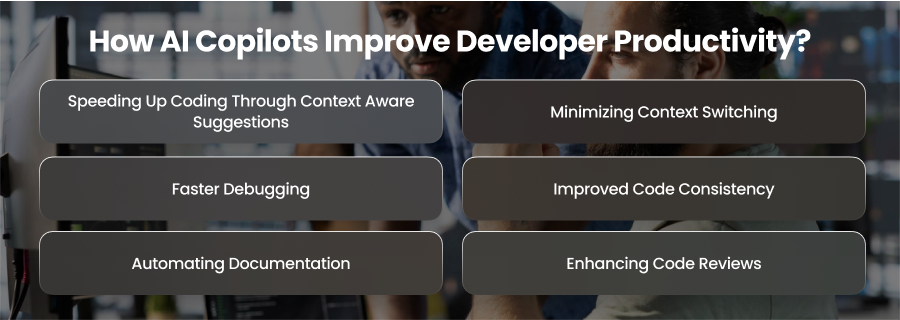
Speeding Up Coding Through Context Aware Suggestions
Traditional code completion tools predict what you might type next based on simple patterns. AI copilots take this much further. They comprehend the layout of your files and even the coding standards you usually adhere to.
AI copilots can:
- Write full functions instead of single lines
- Suggest patterns based on the current context
- Understand dependencies and imports
- Predict what developers are building next
Developers may create complete sections in a matter of seconds rather than looking through instructions or copying and pasting boilerplate code. As a result, less time is spent on activities and more time is available for problem solving and architecture.
Minimizing Context Switching
Developers often lose momentum because they must constantly switch between different tools and documentation sources. Looking up syntax or reading through library documentation distupts focus and productivity. AI copilots help by bringing all that information directly into the development environment. They can summarize documentation or explain API behavior. So, by drastically reducing context switching, AI copilots help maintain mental flow and reduce cognitive fatigue.
Faster Debugging
One of the most time consuming parts of developing software is debugging. In depth research is frequently necessary to identify the underlying source of a problem, particularly in complex systems. AI copilots speed up this process by examining code and finding any flaws.
They can explain error messages and highlight missing edge cases. This leads to quicker troubleshooting and faster resolution of bugs.
Improved Code Consistency
It may be difficult to maintain code consistency in a team setting, particularly when various engineers contribute distinct patterns. By recommending consistent solutions and patterns that adhere to defined rules, AI copilots aid in the enforcement of standard procedures. They lessen structural and error handling deviations. The code is therefore easier to comprehend and change. This consistency also helps with onboarding and long term maintenance since it makes it easier for new engineers to understand the logic rather than working out random patterns.
Automating Documentation
Documentation and testing are essential but often neglected because they require time and offer little creative satisfaction. AI copilots automate much of this work by generating docstrings and API documentation. They are able to create mock scenarios and unit tests using pre-existing code. This guarantees that documentation stays current while simultaneously enhancing software quality. Instead of spending hours producing repetitive content, developers may concentrate on enhancing features.
Enhancing Code Reviews
By enhancing code quality before it ever reaches the review stage, AI copilots promote teamwork. They find inefficiencies and make sure best practices are followed. The code is already more polished when developers submit it. Faster merging cycles and more effective collaboration result from this. By acting as a preliminary reviewer, the copilot helps human reviewers by identifying problems early.
How AI Copilots Can Enhance Developer Skills?
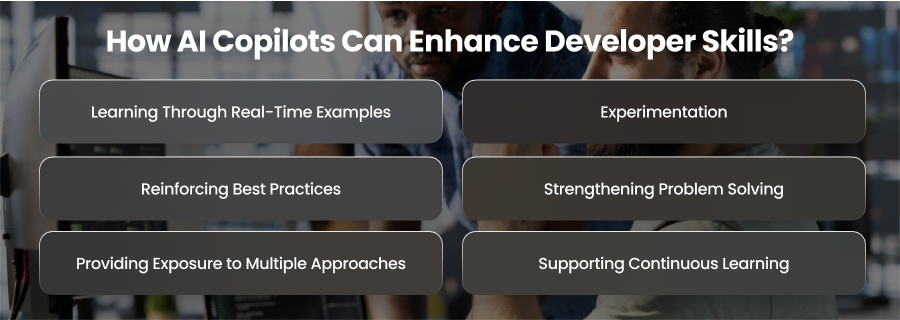
Learning Through Real-Time Examples
AI copilots offer developers instant exposure to high quality coding patterns and solutions. Instead of passively reading documentation or tutorials, developers can see examples directly applied in their own projects. For instance, a junior developer trying to implement a REST API can receive suggestions that demonstrate correct routing and error handling, all in context.
These real world examples eventually turn into educational resources that help developers absorb effective coding techniques.
Experimentation
Even though research is a crucial component of skill development, developers may be reluctant to explore new technologies or patterns out of fear that they may harm production code or waste time. AI copilots reduce this reluctance by producing tested drafts or prototypes. Without having to worry about making crucial mistakes, developers may experiment and track results.
Reinforcing Best Practices
AI copilots may assist developers with complex programming ideas and industry-standard best practices in addition to syntax. Copilots, for instance, might recommend algorithm optimization or refactoring strategies. They could also draw attention to performance issues or possible security threats. Developers gradually strengthen their intuition for building dependable and safe code by interacting with these recommendations.
Strengthening Problem Solving
AI copilots enable developers to concentrate on more complex problem solving by automating monotonous chores. Instead of manually writing every line of code, developers may devote more time to requirements analysis and edge case analysis. This change in emphasis makes it possible to write more careful and deliberate code, which enhances critical thinking.
Providing Exposure to Multiple Approaches
AI copilots often suggest multiple ways to solve a problem, ranging from simple implementation to more advanced techniques. This gives developers access to different strategies they would not have thought about. For the same algorithmic issue, for instance, a copilot may provide both an iterative and a recursive solution, enabling the developer to understand trade offs between readability and maintainability.
Supporting Continuous Learning
Developers must continuously update their skills. AI copilots help facilitate continuous learning by introducing new libraries or APIs within the context of ongoing work. Instead of learning in isolation, developers gain knowledge organically as they build projects. This integration of learning into daily workflows makes skill development more consistent.
What Best Practices Developers Can Adopt to Use AI Copilots Responsibly?
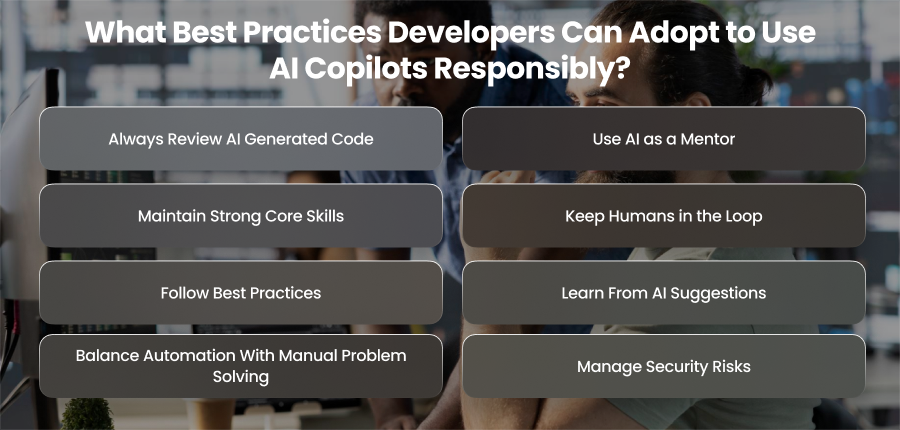
Always Review AI Generated Code
One of the most important rules for using AI copilots responsibly is to never accept suggestions blindly. While copilots are impressive at generating code and produce insecure logic. Developers should carefully review every AI generated line for efficiency and security. This review process ensures that code quality remains high and that the developer remains actively engaged in the problem solving process.
Use AI as a Mentor
AI copilots should complement learning, not take its place. Developers must treat copilots as virtual mentors that provide examples and suggestions. Relying only on AI to handle issues might impede skill development and reduce understanding of fundamental programming concepts. Developers may leverage AI assistance while maintaining control over the learning process by employing copilots to investigate new ideas.
Maintain Strong Core Skills
Engineers still need to hone fundamental abilities even with AI copilots. It is still crucial to comprehend data structures, algorithms, and security procedures. Developers can critically assess AI recommendations and make better choices if they have a solid basis.
Keep Humans in the Loop
AI copilots should always be a part of a human in the loop workflow. Critical decision making should include careful human evaluation and validation. AI can provide suggestions or initial solutions. However, quality control must still be handled by humans. This approach minimizes errors and increases accountability by making sure AI acts as a helper rather than an autonomous authority.
Follow Best Practices
Establishing explicit policies for the usage of AI copilots is important for organizations. These rules may cover security procedures and procedures for reviewing code produced by artificial intelligence. For instance, developers should uphold version control and refrain from putting private passwords into AI questions. AI copilots can increase efficiency without creating ethical or compliance problems if team norms are followed.
Learn From AI Suggestions
Developers should treat AI copilots as opportunities to learn rather than shortcuts. Every suggestion or solution can be a learning moment or a more efficient workflow. Developers can expand their knowledge by examining the reasons behind the AI’s recommendations. This ongoing learning makes sure that developers advance alongside the AI over time rather than becoming reliant on it.
Balance Automation With Manual Problem Solving
AI copilots can automate repetitive tasks, but developers shouldn’t depend entirely on AI to address issues. Hand problem solving is essential for the development of analytical and logical skills. Instead of replacing the mental labor required to understand problems and find solutions, AI should boost productivity. Responsible AI copilot usage requires being aware of security issues and taking proactive measures to reduce them during deployment.
Manage Security Risks
AI generated code may inadvertently add errors or dangerous processes. To ensure that produced code complies with security best practices, developers must be on the lookout for any security flaws. For the management of critical authentication flows, this is essential. Responsible use of AI copilots requires awareness of security risks. It also requires awareness of proactive measures to mitigate them throughout development.
Final Words
AI copilots are transforming software development and opportunities skill enhancement. But their value depends on responsible use. Developers may use AI copilots to increase efficiency without sacrificing knowledge or code quality by examining code and keeping human oversight.