




According to Cirrus Insight, Salesforce has a 20.7% share of the global CRM market. This is because of the flexibility that Salesforce offers. Organizations can shape Salesforce to match their processes and customer journeys. However, when businesses begin using Salesforce, they typically run across two phrases that are sometimes confused: configuration and customization.
At first glance, both seem similar. After all, both involve modifying Salesforce to fit business needs. But the difference between configuration and customization is critical. It affects cost and maintenance complexity.
We will go over both ideas and point out how they vary in this guide. We will also go over some advice on selecting the appropriate strategy.
Salesforce Configuration
Salesforce configuration involves using the platform’s native capabilities to align Salesforce with business requirements. Some common configuration tasks include:
- Custom Fields and Objects: Adding fields or objects to capture specific business data.
- Page Layouts and Record Types: Tailoring how data is displayed for different teams or business units.
- Profiles and Permission Sets: Managing user access.
- Validation Rules: Ensuring data accuracy.
- Salesforce Flow: Automating routine tasks like sending emails.
- Dashboards: Configuring analytics to track key performance metrics.
Configuration is often the first step in any Salesforce implementation. It allows organizations to adapt Salesforce quickly without involving developers. Because configuration uses Salesforce’s built in features, it’s faster and easier to maintain.
Salesforce Customization
Salesforce customization is the process of writing code or developing original components to extend Salesforce’s functionality beyond its built in capabilities. This is typically handled by Salesforce developers, who require specialized technical expertise.
Customization goes beyond what configuration tools can achieve. Common customization activities include:
- Apex Classes and Triggers
- Lightning Web Components
- Custom APIs
- Custom Apps and Packages
- Advanced Automation
Additionally, when companies have special workflows or complex integration needs that Salesforce’s default capabilities are unable to meet, customisation becomes essential. In order to create enterprise solutions, large organizations with legacy systems sometimes significantly rely on modification.
Differences Between Salesforce Configuration and Customization
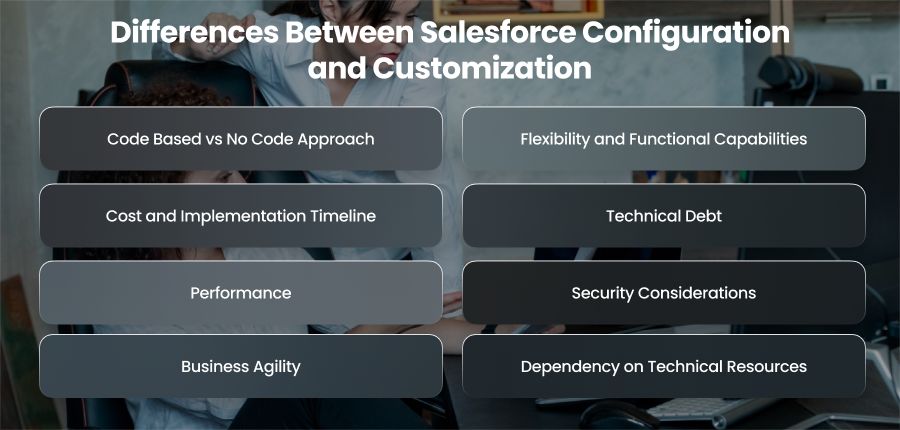
Code Based vs No Code Approach
Salesforce configuration is a no code or low code approach. It makes use of Salesforce’s built in features, such as page layouts and Flow Builder. Without writing a single line of code, administrators may set up user access.
On the other hand, customization is code driven. Apex and APIs are used by developers to create features that go beyond Salesforce’s built-in capabilities. This method, which adheres to software development lifecycle techniques including version control and deployment pipelines, calls for technical know how.
Flexibility and Functional Capabilities
Configuration provides flexibility within predefined Salesforce boundaries. It works well for standard CRM processes such as lead routing and case management. However, it’s limited to what Salesforce exposes through its declarative tools.
Customization provides almost infinite versatility. Custom apps and distinctive user experiences that are suited to certain workflows may be developed by businesses. Customization is frequently necessary for sophisticated pricing engines or specialized approval processes, for instance.
Cost and Implementation Timeline
Configuration is faster and more cost effective. Admins can implement changes quickly without developer involvement. This makes the configuration ideal for rapid deployments and iterative improvements.
Customization involves higher upfront costs. It requires developers and testing environments. Depending on complexity, implementation schedules might vary from a few weeks to several months. The total cost of ownership is further increased by continuing upgrades and maintenance.
Technical Debt
Configuration features are easier to maintain because Salesforce automatically manage updates and platform enhancements. When Salesforce releases new features, configured components typically continue working without manual intervention.
Customized solutions, especially those built with Apex, can accumulate technical debt. Code must be reviewed and tested during Salesforce upgrades. Poorly documented customizations can become difficult to manage when original developers leave the organization.
Performance
Configuration generally follows Salesforce’s optimized architecture and best practices, which reduces the risk of performance issues. It might not be able to effectively manage very complicated or large-scale activities, though.
For large scale use cases, such as processing millions of data points or interacting with several other systems, customization enables developers to maximize performance. That said, poorly written code can negatively impact performance and exceed Salesforce governance limits.
Security Considerations
Configuration uses Salesforce’s built in security model, including profiles, permission sets, sharing rules, and field level security. This makes it easier to enforce compliance with minimal risk.
Additional security obligations are brought forth by customization. Developers must ensure that Apex code and UI components follow safe development rules to prevent data disclosure or unauthorized access.
Business Agility
Configuration empowers business teams and admins to make quick changes without waiting for development cycles. This increases agility and allows organizations to adapt Salesforce as business needs change.
Testing, deployment approvals, and organized change management procedures are frequently necessary for customization. Although stability is guaranteed, this may make it more difficult to adapt to changes in the business.
Dependency on Technical Resources
Configured solutions can be managed by Salesforce admins, reducing dependency on developers. This is particularly beneficial for small to mid sized organizations with limited technical resources.
Customized solutions create a dependency on developers and technical teams. To create and manage customized solutions, companies need to hire qualified Salesforce developers or collaborate with consulting firms.
Pros and Cons of Salesforce Configuration & Customization
Pros of Salesforce Configuration
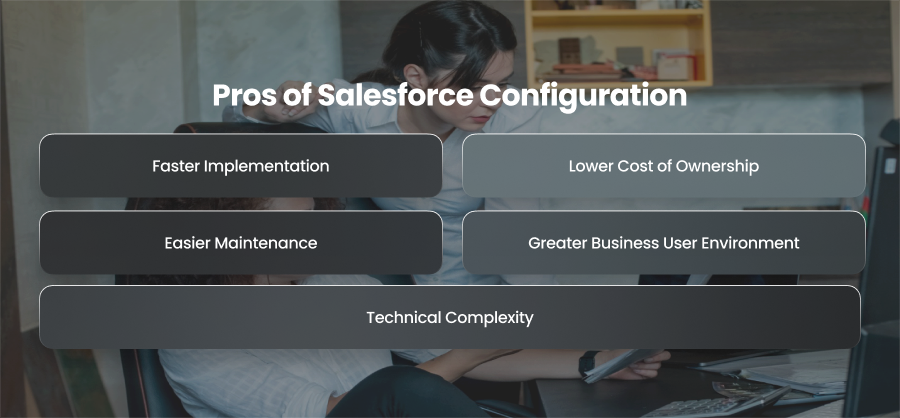
Faster Implementation
Configuration allows organizations to set up Salesforce quickly using built in tools. Admins can create fields and dashboards within hours or days. This rapid implementation helps businesses start using Salesforce almost immediately.
Lower Cost of Ownership
Because configuration doesn’t require developers, it significantly reduces implementation and maintenance costs. Instead of using outside consultants or specialist developers for each update, businesses may depend on Salesforce administrators.
Easier Maintenance
Configured features are maintained automatically by Salesforce. Platform updates rarely break configured workflows, which means less downtime and fewer upgrade related issues. This makes the configuration ideal for organizations that want long term stability with minimal technical overhead.
Greater Business User Environment
Configuration empowers non technical users and admins to make changes independently. Marketing and support teams can adapt workflows without waiting for IT or development teams, increasing organizational agility.
Technical Complexity
Since configuration uses Salesforce’s native capabilities, it follows platform best practices by default. This reduces the risk of security vulnerabilities and compliance challenges.
Cons of Salesforce Configuration
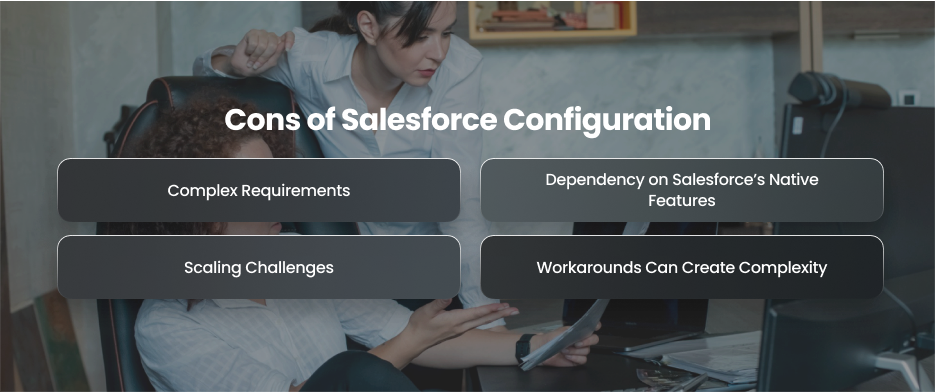
Complex Requirements
Configuration works well for standard CRM processes, but struggles with complex logic or multi step workflows. Moreover, businesses with highly customized operations may find configuration restrictive.
Dependency on Salesforce’s Native Features
Configuration is limited to what Salesforce provides. If a feature doesn’t exist in the platform, you cannot replicate it fully. This can constrain differentiation.
Scaling Challenges
As organizations grow, their processes become more complex. Configuration alone may not handle large scale automation or high volume data processing efficiently.
Workarounds Can Create Complexity
In order to prevent customisation, administrators may create intricate workarounds utilizing Flows and validation rules. These workarounds may lessen system clarity and become challenging to maintain over time.
Pros of Salesforce Customization
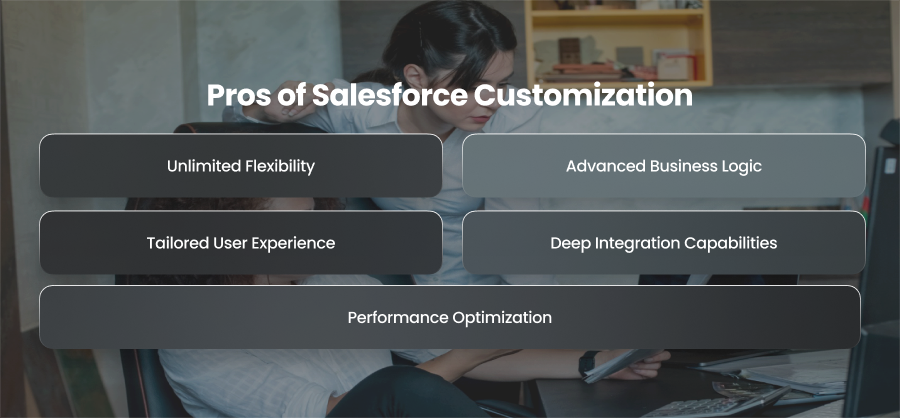
Unlimited Flexibility
Customization enables companies to create precisely what they want. Custom processes and connectors that fit certain business models can be made by developers. Businesses with proprietary processes will particularly benefit from this.
Advanced Business Logic
Customization supports complex logic that cannot be achieved with declarative tools. For example, dynamic pricing or AI workflows often require Apex triggers and custom logic.
Tailored User Experience
Developers may create unique interfaces that increase productivity and usability with Visualforce. Interactive elements and customized dashboards may greatly increase user adoption.
Deep Integration Capabilities
Customization enables seamless integration with external systems such as ERP platforms and legacy applications. Middleware integrations allow Salesforce to become a central hub for enterprise data.
Performance Optimization
Developers can optimize code and architecture for high volume operations. Custom batch processing and optimized data models help enterprises scale Salesforce for millions of records and complex operations.
Cons of Salesforce Customization
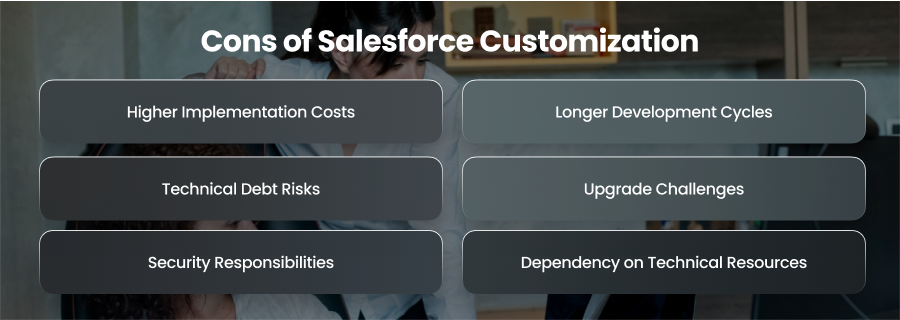
Higher Implementation Costs
Deployment pipelines and qualified developers are necessary for customization. The overall cost of ownership is increased by ongoing upkeep and improvements. For many organizations, customization can become a significant long term investment.
Longer Development Cycles
Custom development follows software engineering processes. This includes requirements gathering, coding, testing, and deployment. This can slow down implementation compared to configuration based solutions.
Technical Debt Risks
Poorly written or undocumented code can create technical debt. If developers leave the organization, maintaining custom solutions becomes challenging. Over time, unmanaged technical debt can reduce system performance and increase risk.
Upgrade Challenges
Several times a year, Salesforce releases updates. To guarantee compatibility with new features and platform modifications, custom code has to be evaluated. This adds ongoing effort during each Salesforce release cycle.
Security Responsibilities
Additional security obligations are introduced by custom programming. To avoid vulnerabilities like data breaches and unauthorized access, developers must adhere to safe coding principles.
Dependency on Technical Resources
Customized environments require continuous developer involvement. Business teams may lose agility because even small changes require technical intervention and deployment processes.
Best Practices for Salesforce Implementation
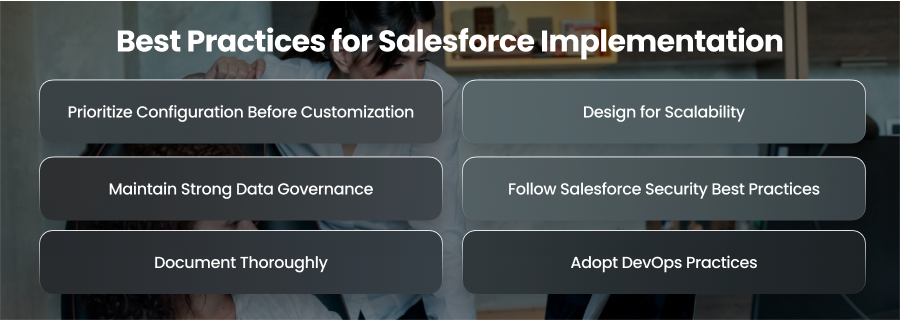
Prioritize Configuration Before Customization
Salesforce provides a variety of declarative tools that may satisfy the majority of business needs without the need for coding. Before choosing customisation, organizations should carefully investigate configuration choices. Configuration reduces implementation time and simplifies future maintenance. Customization should be introduced only when the configuration cannot meet functional or technical requirements.
Design for Scalability
Many businesses use Salesforce to address current issues without taking future growth into account. But when companies expand, their linkages grow and their procedures get more intricate. Rework and performance issues may be avoided in the future by designing Salesforce architecture with scalability in mind. Planning data models and integration frameworks that can facilitate long-term expansion falls under this category.
Maintain Strong Data Governance
Salesforce is only as effective as the data it contains. Implementing data governance policies ensures consistent data entry. Validation rules and standardized data models help maintain data accuracy. Moreover, high quality data improves reporting and forecasting. This makes Salesforce a trusted source of truth for the organization.
Follow Salesforce Security Best Practices
Any Salesforce setup should place a high premium on security. To guarantee that users only access the data they require, organizations must carefully set profiles and sharing policies. To avoid vulnerabilities, custom programming should adhere to secure coding guidelines. Furthermore, the Salesforce architecture must be designed from the ground up to comply with laws.
Document Thoroughly
Although it is frequently disregarded, documentation is essential for long term success. Workflows and automation logic should be documented by organizations. Appropriate documentation ensures continuity and reduces dependency on specific individuals when developers or administrators leave the organization.
Adopt DevOps Practices
Adopting DevOps principles is crucial for companies that use customisation. Errors are decreased and stability is increased using version control and organized deployment pipelines. Before putting changes into production, sandboxes should be utilized for testing and development. Updates won’t interfere with business operations thanks to a systematic release management procedure.
Final Words
Salesforce configuration and customization help organizations balance speed and flexibility. Start with configuration and customize strategically. Also, you should follow best practices to build scalable and high performing solutions. A thoughtful approach reduces technical debt and ensures Salesforce delivers measurable business value.